Last year, I setup a Christmas lights show at my house. I started with some basic light sequences just to learn. I wrote a post on the basics. This year, I upped the ante and added more lights and starting making sequences linked to music.
I have one light controller running Falcon Controller/FPP, a Kulp K8-B controller. How do I get sound out? I looked at options for getting sound out to a speaker. For my first pass, I decided to push it to a Sonos Move speaker since I had one.
How do I connect a speaker?
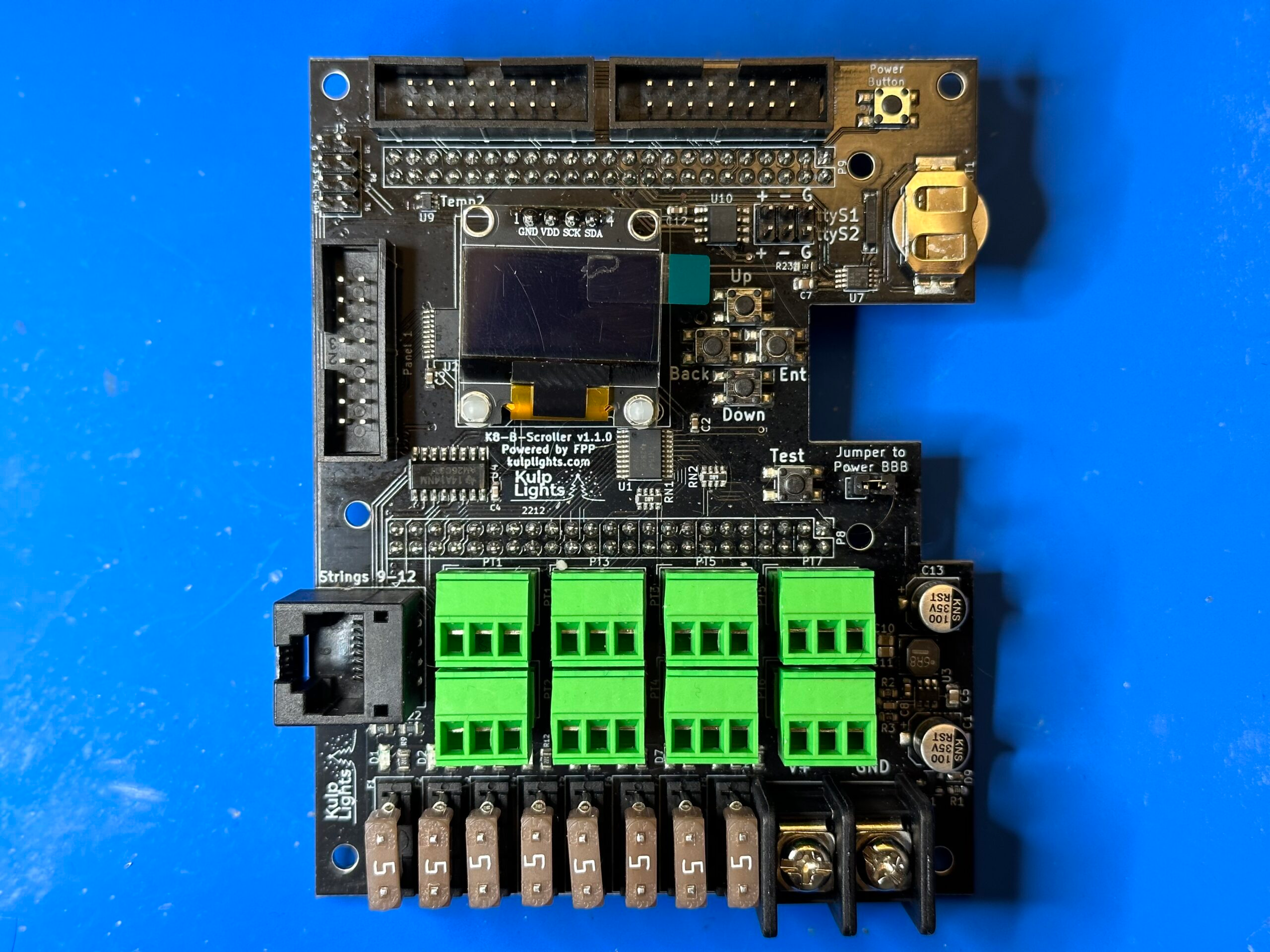
My Kulp K8-B controller is a hat that sits on top of a BeagleBoard Black.
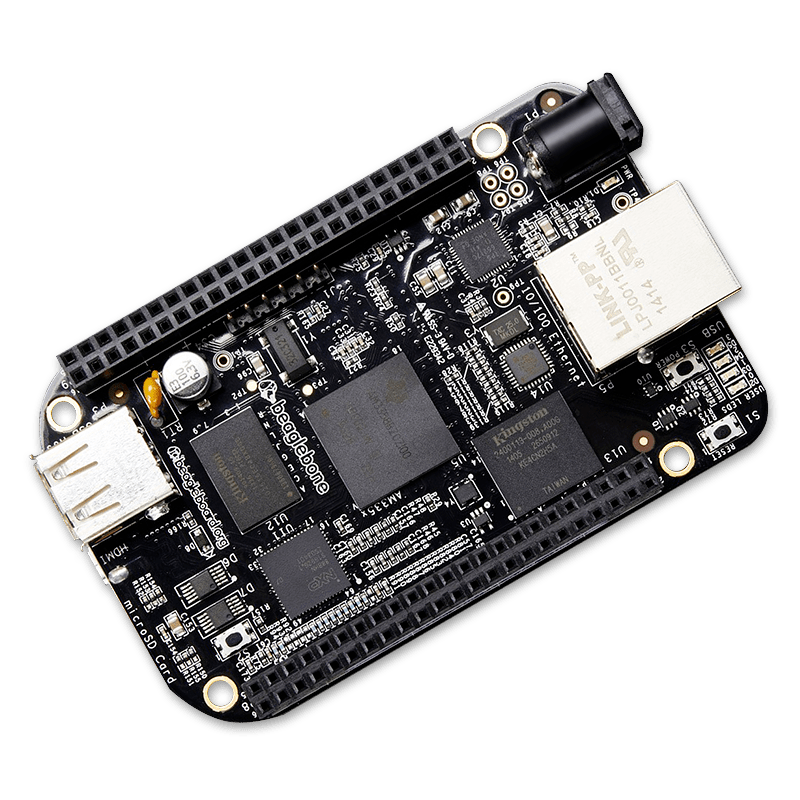
The BeagleBoard, like a Raspberry Pi, runs Linux. It has no 3.5mm audio output, but has USB and Ethernet.
 I could attach a USB-attached audio player like this, but then I’d have to drill a hole in my weather enclosure and not ruin that. Most people run them to speakers and/or FM transmitters for cars, but I wanted to be able to play it without being in a car. Instead, since I already several Sonos speakers including a Move that can be taken outside. The Sonos speakers inside the house could be synchronized to the lights I had inside for parties.
Control Protocols
I have two different systems, Sonos and FPP. Neither of them talk to each other, so I needed to first understand how they independently work.
FPP has two different protocols that can be used:
- Pixel control data (e.g. DDP an E1.31) - Sends individual pixel data to a receiver. Pixel data has to be sent at 20hz - 40hz to match the sequence
- Timing data - FPP MultiSync- Sends timing and song names over the network and the player loads a locally saved sequence. Timing data is sent every regularly around every 100ms-1s and players internally speed up or slow down to match the ticks.
The FPP MultiSync protocol sounds like it would be best to integrate with since I can send period sync packets and the player handles the pixel data.
Wireshark Dissector
The first thing I did was write a wireshark packet dissector to help me understand what the packets look like and construct my own packets. There’s no built-in dissector in Wireshark for FPP MultiSync or DDP, so packets look like an opaque blob of bytes:
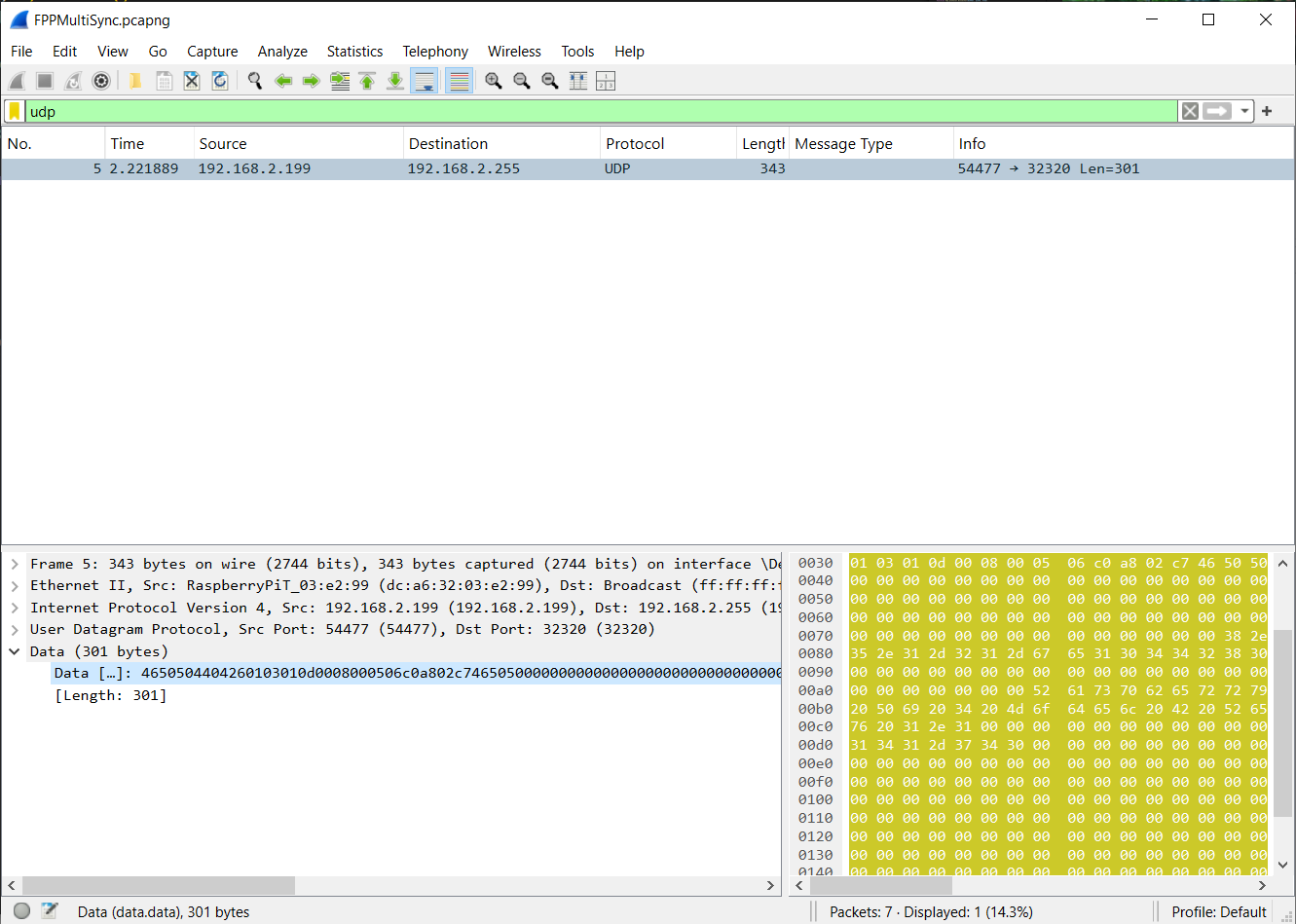
The protocol is defined in this spec. Wireshark exposes a Lua based Dissector API. Using this, I wrote a simple program that looked at packets and extracted out the relevant bytes into structured Wireshark fields:
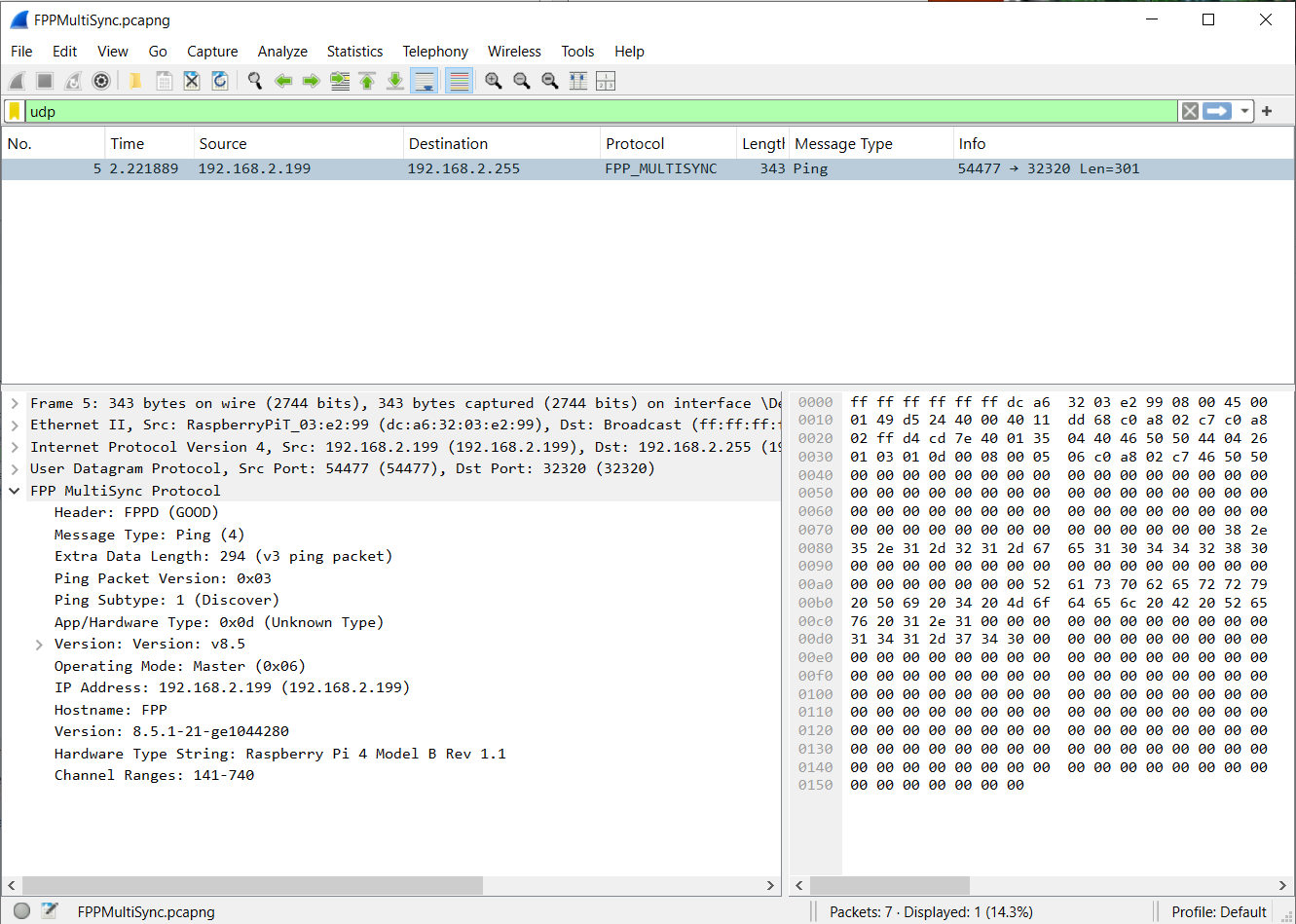
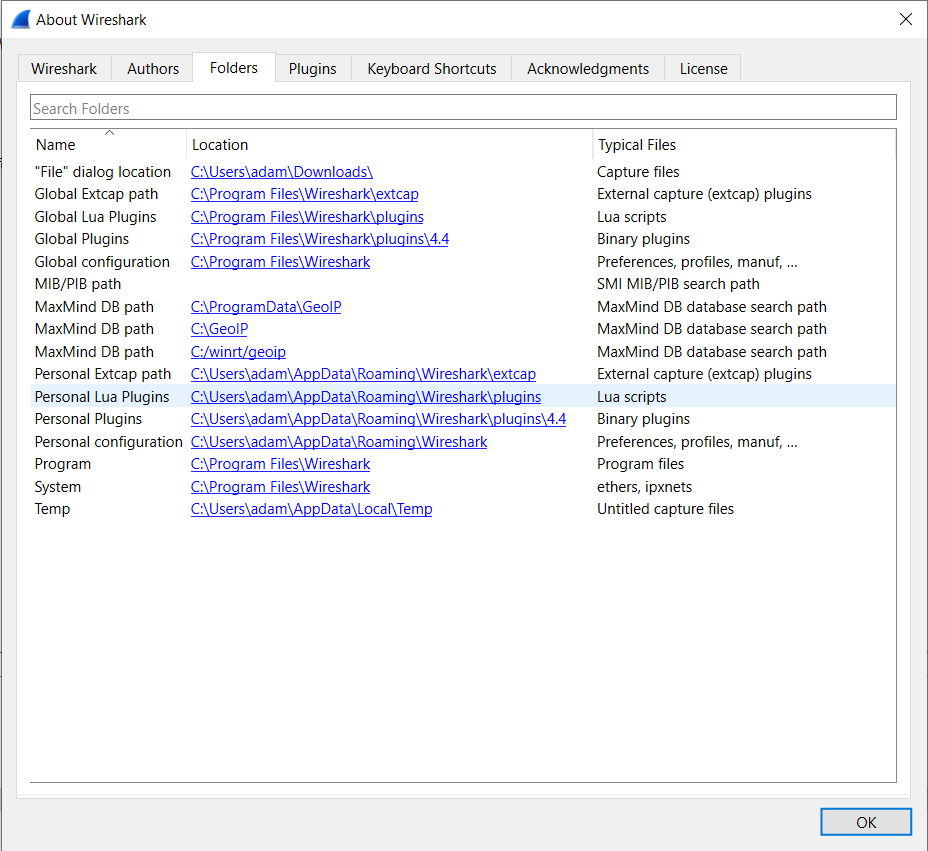
The code can be found here. To load it into Wireshark, go to Help → About → Folders. Click on Personal Lua Plugins and paste the files into that folder.
The Control Script
I can either listen to another player send them or try to send them myself. If I listen to the packets, then I’d have to speed up or slow down the Sonos player. Given this forum post on how the players internally work and the fact that it’s easier for our ears to hear discontinuities in the audio, I let the speakers play, then send FPP MultiSync packets every second to a multicast address that all players subscribe to.
The source code can be found here: https://github.com/ajacques/sonos-fpp-sync
A high-level explanation on how it works: Upon startup, it loads a playlist of songs and fseq files (generated by xLights), then loads the songs into the Sonos queue. Songs are served by a local HTTP web server running from the script. I considered streaming from a Jellyfin server, but I couldn’t solve some network access issues, and get Sonos to stream with the right codec and access tokens.
Once the songs are loaded, it subscribes to media events from Sonos using python-soco running using Python Twisted. Twisted is an event-based networking engine for Python that handles the async networking required for Sonos subscriptions, responding to HTTP requests to stream media, and sending datagrams.
When the Sonos speaker starts playing a song, it sends a message to my script saying what song is playing. I then tell the FPP players to load the sequence containing the pixel data and prepare to start playing. I then start a timer that runs every second that asks Sonos how many seconds have elapsed in the song. I use that to derive the frame counter (# of seconds elapsed / # of seconds in song * number of frames in fseq file) and send a sync packet to the FPP players.
There is a problem here. Sonos gives me elapsed time with a resolution of 1 second, combined with the round-trip time of ~50ms, that means the pixels can be off beat. I’ve noticed this when playing some sequences. I don’t have a fix for this yet, but had the idea to add some jitter to tick timer and average out the calculated start times. That’s a problem for next year.
I’d put a video, but I don’t want a DMCA notice.
Source Code: https://github.com/ajacques/sonos-fpp-sync