Kyverno is a handy policy engine for Kubernetes. For example, I use them to improve security by enabling user namespaces, or fix compatibility issues. I frequently use to validate or mutate resources that are created.
However, the YAML format can be a bit tricky for some of my more complicated policies. LLMs do alright creating many policies, but can struggle with my more complicated policies because they have to one-shot the policy and create it in one pass with no feedback or validation.
In this post, I’m going to show how I configure OpenWebUI to help me draft Kyverno policies.
What is OpenWebUI?
OpenWebUI is an open source LLM chat frontend that can be configured to point to different LLM providers. Much like going to claude.ai or chatgpt.com, you get a chat interface with the advantage that it’s all self hosted and
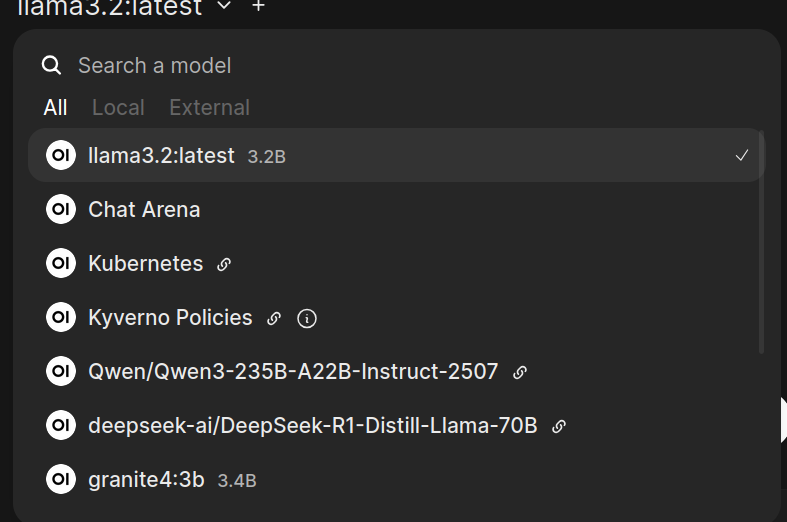
I deployed it in my home lab initially to point to my self hosted models running on Ollama. The benefit was that no LLM provider was able to train based on my conversations nor were they able to take my conversations and build a profile for advertising purposes. However, I soon hit the limits of what I could run locally and started adding hosted LLM providers using DeepInfra.
I could still pick and choose what model I needed depended on my use case:
OpenWebUI Tools
OpenWebUI provides the ability to define tools in Python and expose them to LLM models.
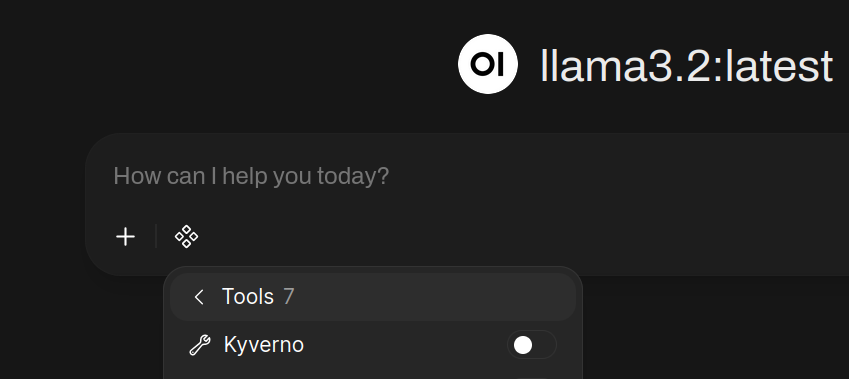 Tools are not like Claude skills which invoke local shell commands. They are Python functions
that are provided to the model it can decide to invoke the function directly.
Tools are not like Claude skills which invoke local shell commands. They are Python functions
that are provided to the model it can decide to invoke the function directly.
Kyverno Playground
While I can ask the model to generate a policy and it often times works, sometimes it can generate malformed policies or policies that don’t actually mutate values correctly. Providing a tool that can validate and even simulate a policy gives the model feedback to test its proposed policy. Though, even this is not guaranteed because an LLM can propose a policy, then pass something different to the tool or it could entirely misinterpret the results of the tool so human analysis is still needed.
Luckily, Kyverno provides the Playground which does almost exactly what we need. It can either be self-hosted which supports custom resources or one can use the hosted version. It provides an endpoint at https://playground.kyverno.io/api/engine that when given the policies and resources:
| |
It returns a result:
| |
Why not a skill?
Skills are appropriate for certain use cases, however in this case, they are limited. OpenWebUI supports skills, but they’re just text-based skills. This logic is too complicated to be described in pure English and needs a language which means the skill needs a tool to invoke something. By default, OpenWebUI doesn’t expose any tools that would work, no generic web calls, no shell calls. For security, I don’t want generic shell calls, and a generic HTTP call requires the model to understand a lot of boiler-plate request structure and parse the response structure.
Tools in OpenWebUI solve all of these problems. My tools take in 1-2 string parameters, then take the JSON response and
Writing a custom tool
I landed on exposing two different tools:
- One tool is used to validate syntactic correctness and schema compliance
- The other simulates the policy given a Kubernetes resource
Just to show what the method signatures look like:
| |
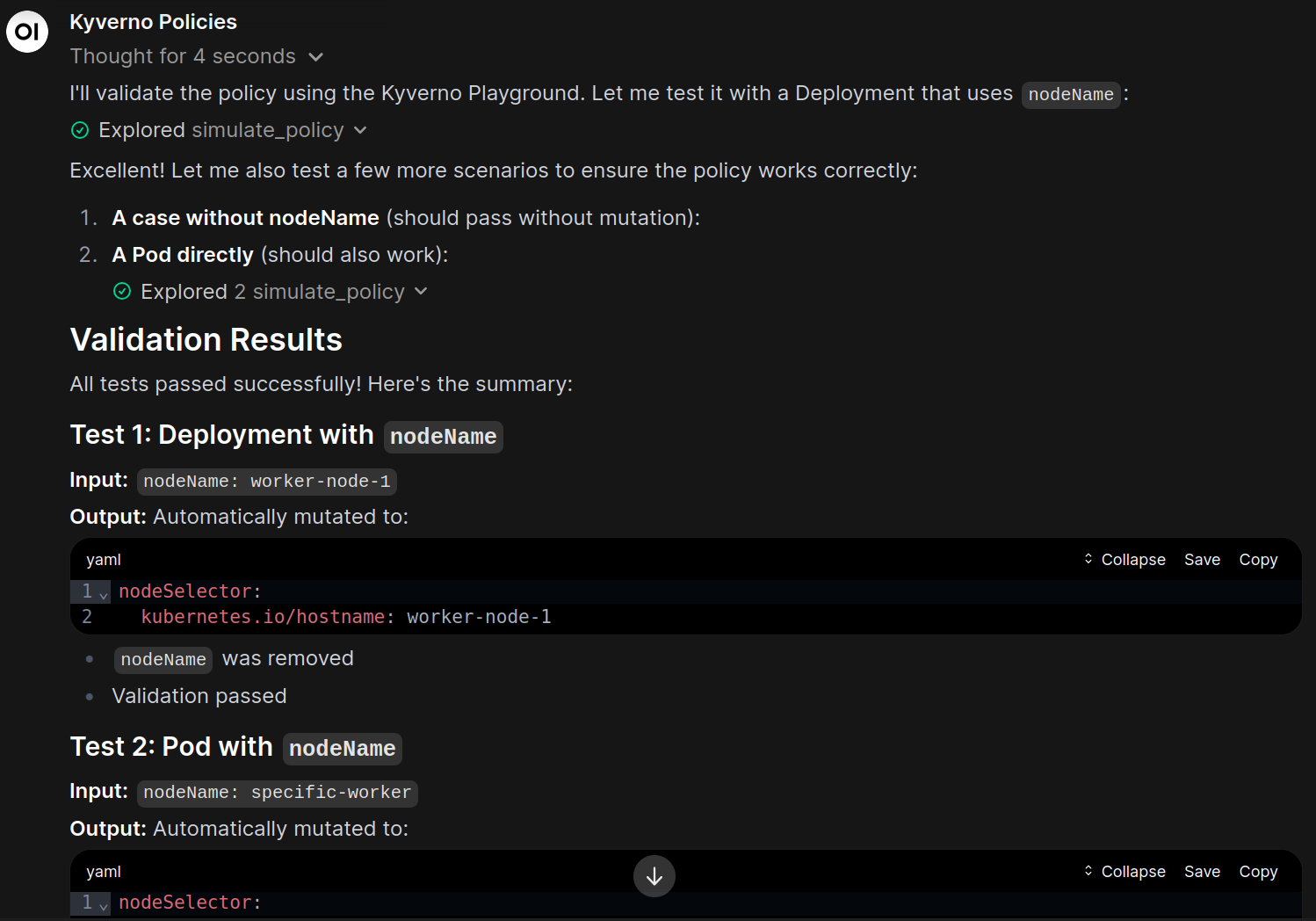
What I’ve found is that you can give models all the documentation that exists for something and they sometimes read it, but the best way to get an output that works is to give the model an ability to test things. If the policy fails for some reason, either syntactically or doesn’t perform the desired mutation, the model gets that feedback and can try again.
Installation
The full source can be found in the repo here. To install it, go to Open WebUI -> Workspace, Tools, New Tool. Copy and paste the content in.
Create a pre-configured model
OpenWebUI supports a feature called custom models which are configuration of existing models with defined system prompts and tools. I use them to create confined context so a model doesn’t get confused with irrelevant tools or information and directly have a prompt that
- Model: moonshotai/Kimi-K2.5 (I just picked one that was trained focused on dev work)
- System Prompt:
You are knowledgeable in creating, understanding, and validating Kyverno policies. Kyverno is a Kubernetes policy engine that can validate and mutate Kubernetes resources. Policies are defined in YAML as a Kubernetes CRD. If the user requests to create a policy, ask questions if needed. To validate a policy works correctly, call the
validate_policytool.
- Enabled Tools: Kyverno
Conclusion
Kyverno policies can be a little confusing for complicated policies and I’ve found an LLM model can help in the drafting phase for policies. Creating a few tools to validate and simulate the policies against the Kyverno Playground help the model iterate and try out it’s theories. Most importantly, it gets told when the policy doesn’t work.
See the source code here: https://git.technowizardry.net/adam/openwebui-tools